8 Benefits of Document Management for Teams in 2026
Explore the benefits of document management: faster retrieval, version control, stronger security, compliance, and smoother team workflows.
The proposal is due at four. Three files on the shared drive are called final_v3, and none of them is the one your colleague edited last night. Meanwhile a project manager is scrolling through their inbox for the approved pricing sheet, certain it was attached to a thread back in March.
Nobody logs this as a cost. There's no line item for the eleven minutes spent working out which draft is current, or the twenty spent reconstructing a decision from a chain of replies. The expense arrives in small installments, spread across everyone, and it never shows up on a report. That's why it survives so long.
The eight benefits below are the same story from different angles. Each one removes a specific daily cost: the lost hour, the wrong version, the access grant nobody revoked, the audit question you can't answer. Each also comes with a rollout mistake that erases the gain, which is the part most feature lists leave out.
Document management isn't complicated software anymore. The hard part is deciding what your team treats as authoritative, who owns each step, and what you'll stop doing once the system is live. Get those right and the tooling mostly behaves. Get them wrong and you've bought a more expensive shared drive.
1. Centralized Single Source of Truth
Documents rarely become scattered by design. It happens one attachment at a time. A contract lives in the deal folder, the signed copy sits in someone's inbox, and the current redline is on a laptop that goes home at night.
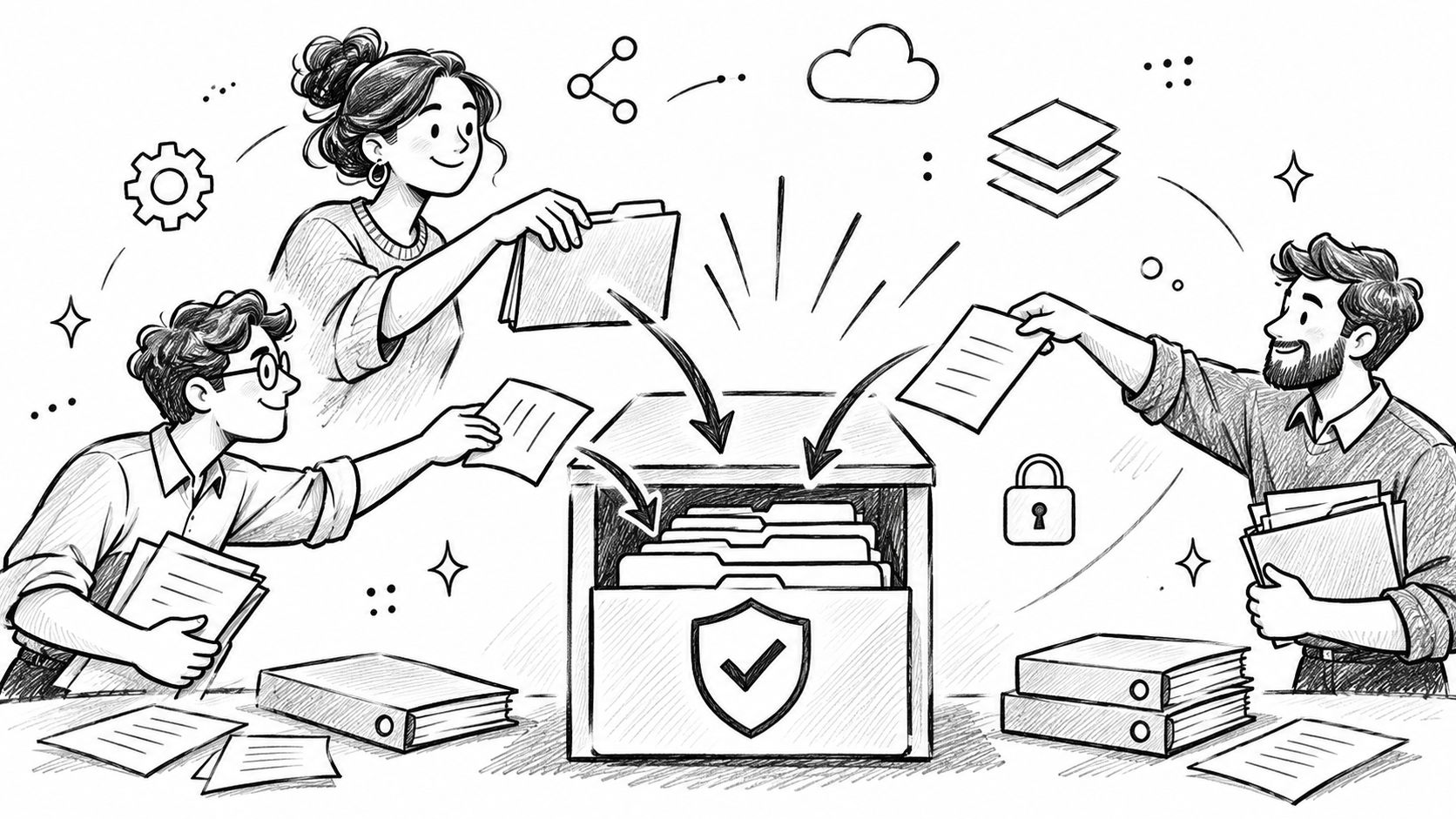
A document management system (DMS) replaces that drift with one governed repository. Each document gets a single authoritative location, and "which one is current" stops being a daily conversation. Consolidation matters more than it sounds, because search, permissions, versioning and audit trails all depend on documents living in one place rather than five.
What consolidation actually removes
Say a professional services firm moves engagement contracts, deliverables and correspondence out of personal drives into one workspace per client. A finance team pulls invoice approvals out of email and links them to the accounting record. In both cases the daily cost disappears the same way: a reviewer opens one place and sees the complete file instead of chasing three.
Adoption is still uneven. An industry compilation of document management statistics reports that only about 25% of enterprises use a formal document management system, while 77% are scaling adoption of document management and related digital technologies. That gap says the software isn't the hard part. The migration is.
The rollout mistake: rebuilding the old mess. A shared drive with 40 top-level folders becomes a DMS with 40 top-level folders, and nobody's search gets better.
Three habits keep the gain:
- Fix the taxonomy before you migrate. Ten to fifteen top-level categories, mapped to how people ask for files.
- Cap mandatory metadata. Every required field is one more reason someone saves to their desktop instead.
- Pilot one department. Let them break the structure for a month, then standardize what survived.
A governed repository is also the starting point for confidential document retrieval that keeps source evidence attached to the answer rather than returning a file with no context.
2. Faster and More Accurate Search and Retrieval
Start with the number. Employees spend approximately 20-30% of the workday, or about 1.6-2.5 hours per day, searching for and gathering information, according to a 2025 Federal Records Management Council white paper hosted by the U.S. National Archives and Records Administration. For a knowledge worker employed 220 days a year, recovering a single hour per workday returns roughly 220 hours of capacity. Across 100 employees that's about 22,000 hours annually, before counting faster handoffs and fewer duplicate requests.
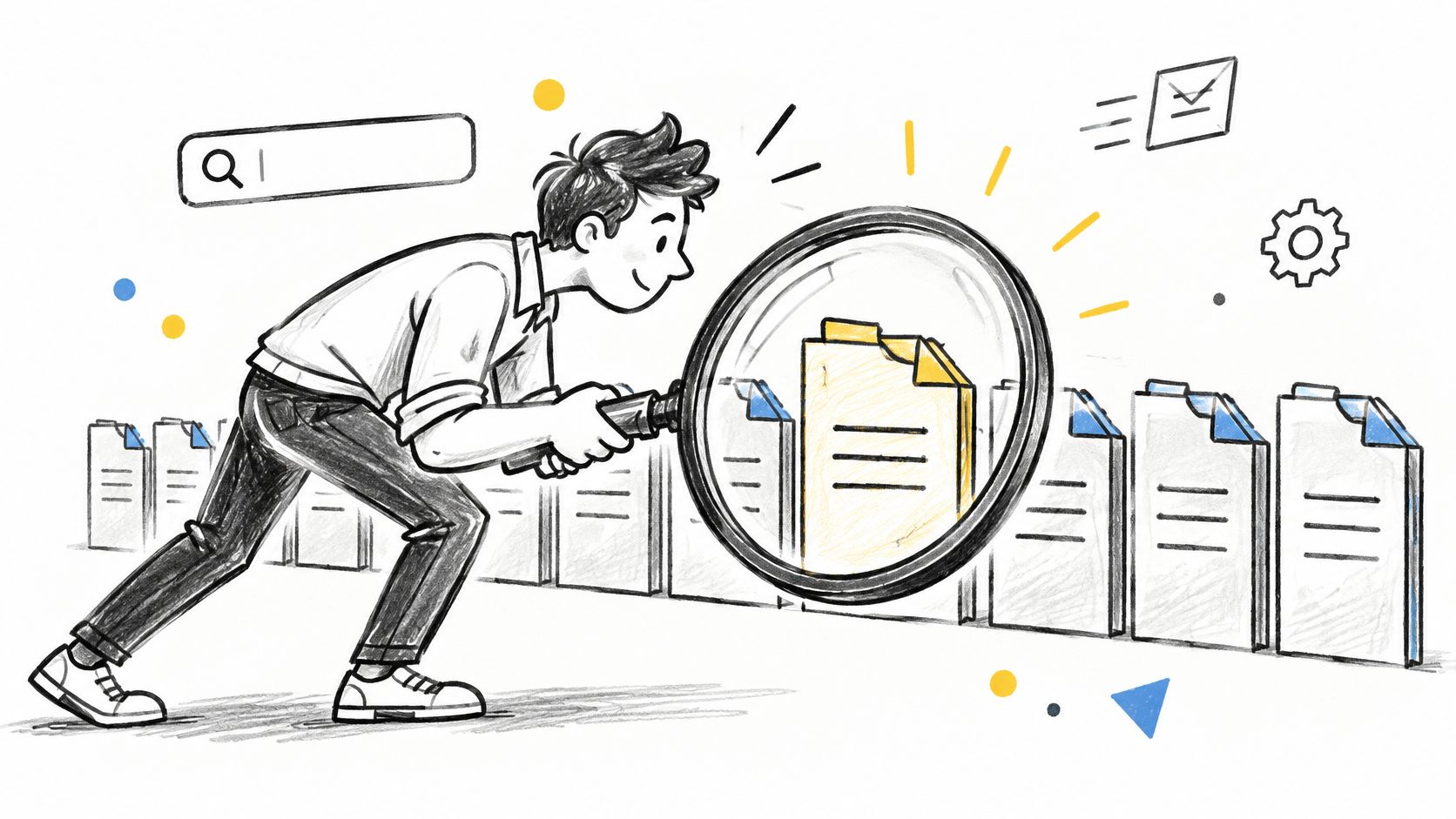
A DMS earns that back through indexed content and metadata. Users search by keyword, author, date, tag or matter number instead of remembering a folder path. A legal team pulls prior contract clauses across thousands of agreements with a matter-number filter. A manufacturer finds the maintenance log for a specific asset during a fault investigation.
Precision beats speed
Fast search that returns the wrong document is worse than slow search, because people stop trusting it. A 2026 usability study of an electronic document management system reported a mean System Usability Scale score of 53.25, below the usual benchmark for acceptable usability, with users naming complexity and navigation as the main barriers even while they valued the workflow improvements.
That's the pattern to design against. Retrieval should cost one or two interactions, not six clicks down a folder tree.
- OCR the scanned archive first. Full-text search over image-only PDFs returns nothing, and one failed search teaches users to go back to email.
- Keep the tag list short and controlled. Free-text tags fragment into "invoice", "Invoices" and "inv".
- Track abandoned searches. A query that ends without a file being opened is a retrieval failure, whether or not anyone reports it.
3. Version Control and Document History
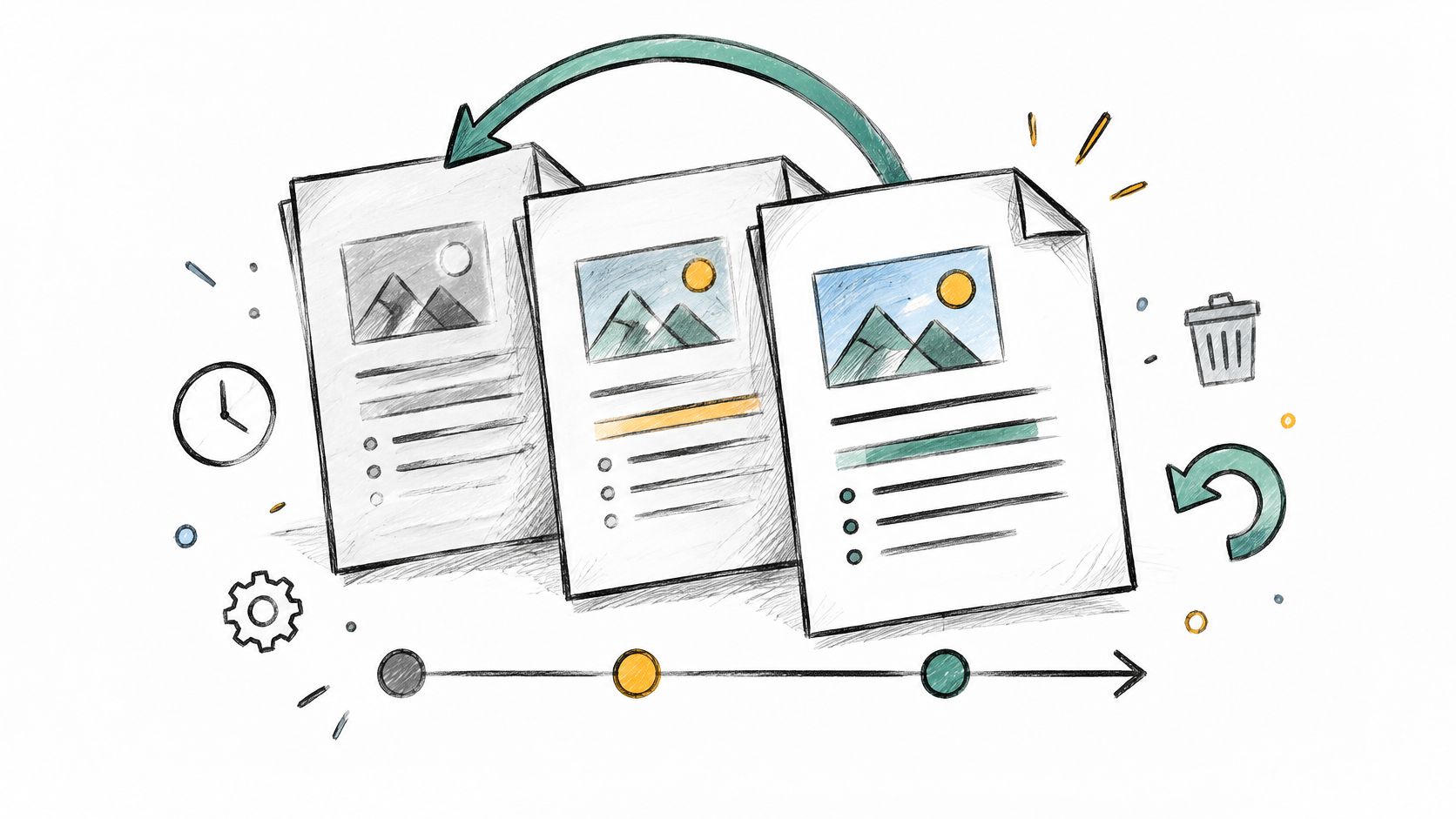
Version control is the benefit people underestimate until a late change breaks something. A DMS records every revision, who changed what and when, and lets you compare or restore an earlier draft. The daily cost it removes isn't storage. It's the hour spent reconstructing what the document looked like before Thursday.
Atlassian's 2025 survey of 12,000 knowledge workers and 200 executives found teams spend about one-quarter of the workweek searching for information, and employees named difficulty finding information as the leading barrier to moving quickly. Version history addresses a harder slice of that problem: not just where the file is, but which version is authoritative and what changed between them.
History is not the same as context
Finding the final presentation doesn't tell you why a decision was made, which assumptions were tested, or which option was rejected. Version lineage gets you closer, but only if someone wrote the reasoning down. A policy group reviewing how a compliance procedure changed across three approval rounds needs the rationale attached to each round, not just three PDFs.
Say an engineering team discovers a fault after a late design change. Restoring the earlier specification takes minutes with version history. Understanding why the change was approved takes a decision record, and that's a different artifact.
- Set version retention by risk. Keep major versions and approved releases; let minor drafts expire.
- Require a change note on approved versions. One sentence is enough, and it's the difference between a trail and a pile.
- Reserve check-out for high-risk documents. Forcing it on every file creates a queue and pushes people to work offline.
A version history tells you what changed. Only a written reason tells you whether the change was right.
4. Access Control and Information Security
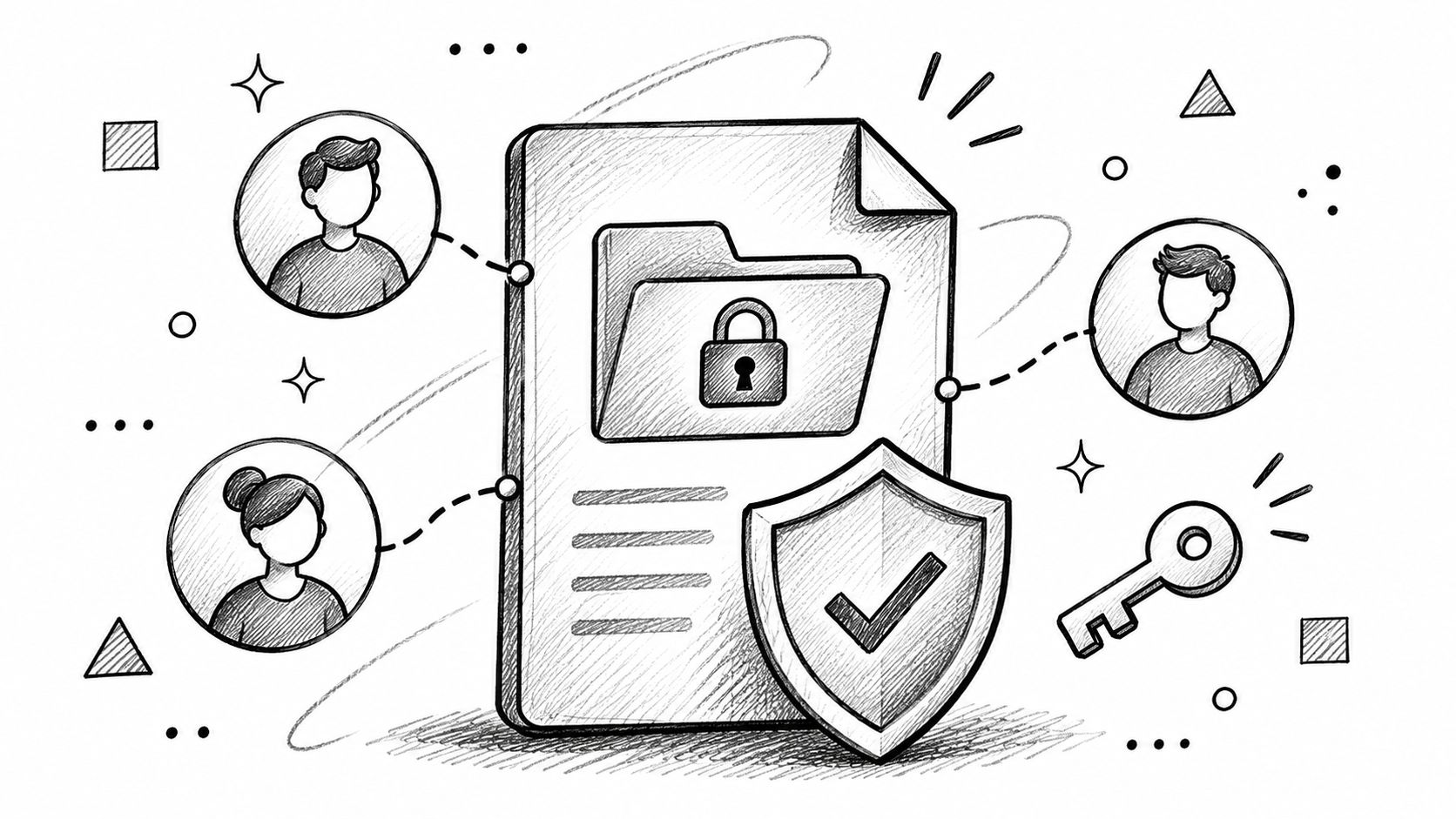
The most expensive access-control failure isn't a breach headline. It's the salary spreadsheet that sat in an open team folder for eight months, or the client matter file a departing contractor still had synced to a personal laptop. A DMS applies permissions at folder, document or field level, and separates viewing from editing, downloading, sharing and deleting.
That separation matters in practice. An HR team can let managers see performance reviews during review season without exposing the compensation column. A law firm can restrict a client matter folder to the engagement team and still let finance see billing status.
The trade-off nobody budgets for
Tighten permissions too far and people route around them. They download a copy to the desktop, email a PDF to a colleague, or keep a personal working folder. You end up with better controls on paper and worse exposure in reality.
The balance I'd recommend is restriction by group and by business need, then watching for the workarounds. If a team keeps exporting files to get work done, the permission model is wrong, not the team.
- Assign permissions to groups, never individuals. Individual grants multiply, and nobody audits them.
- Review access quarterly and on every role change. The leaver problem is almost always a stale grant.
- Pair repository permissions with multi-factor authentication. Remote access turns a permission slip into a security control.
Practical rule: a permission nobody has reviewed in a year is not a control, it's a guess.
5. Regulatory Compliance and Audit Trails
The audit question that hurts isn't "do you have the document". It's "show me who accessed it, what changed, and why it was deleted". A DMS answers that with retention schedules, legal holds and audit logs that record access, edits and disposition.
Regulated work needs this to be routine rather than heroic. A healthcare provider applies retention periods to patient-related administrative records. A public agency places a legal hold on correspondence during an investigation so nothing gets cleaned up by an overefficient housekeeping rule.
Automation raises the stakes
AI is now part of records work, and the governance questions arrive with it. A 2025 study of South African records management practice describes AI applications for classifying records, identifying retention requirements, generating file-plan hierarchies and improving retrieval and retention management. An international InterPARES Trust AI case-study report cited in the same work identifies automated classification, large-scale metadata extraction, enhanced discovery and partial automation of retention and compliance processes as practical achievements, while stressing that information about AI governance itself must be documented and retained.
The contrarian point is uncomfortable. Automation can increase compliance risk when an organization delegates classification or deletion without reviewable reasoning. Three questions decide whether you're ready:
- Can the system explain a classification? If not, a regulator will ask the question you can't answer.
- Who approves deletion when retention rules conflict across jurisdictions? Name the role, not the department.
- Are confidence thresholds and escalation paths defined? Low-confidence records should go to a person, not straight to disposition.
Automating disposition without a reviewable reason doesn't remove compliance work. It defers it to the day of the audit.
6. Collaboration Without Duplication
Duplication is the quiet tax on collaboration. Two people edit separate copies of the same brief, a reviewer comments on last week's draft, and someone merges versions by hand at 6pm. A DMS puts reviewers in one document with comments and approvals attached to the file rather than to an email thread.
Drafting tools are getting faster, which sharpens the version problem instead of shrinking it. A 2025 Microsoft Research randomized study of more than 6,000 workers at 56 firms found that users of Microsoft 365 Copilot completed documents 12% faster. Faster drafting produces more drafts. Without one authoritative file, it produces more confusion.
One workspace per project
Say a product team reviews a launch brief with marketing, legal and finance. One workspace, one current version, one comment thread per section. A grant office coordinates proposal drafts across departments through a single approval chain instead of four attachments and a reconciliation meeting.
The rollout mistake here is treating the DMS as storage and keeping review in email. If approvals happen in Outlook, the repository holds a copy of the outcome and none of the reasoning.
- Name approvers and deadlines up front. "Legal reviews it" is not a workflow.
- Use one workspace per project. Parallel team folders recreate the duplication one level down.
- Turn notifications down to key events. Alert fatigue is the fastest route back to email.
The document should be the meeting place. If the discussion lives in email, the repository is just an archive.
7. Automated Document Workflows and Approvals
Manual routing is where documents slow down without anyone noticing. An invoice arrives, someone checks the amount, forwards it to a manager, waits, and forwards it again. A DMS can trigger that chain automatically from a file arriving in a folder, a status change or a metadata update.
The measured gains are modest and real. A 2025 ScanProCare! study of a large German hospital network found digital workflows reduced operating-room documentation time by 9.09%, equivalent to 582 hours per year. Modest percentages compound when the process repeats hundreds of times a week.
Automate the process you already understand
Paper processes remain the bottleneck for a lot of organizations. The U.S. National Archives and Records Administration's 2024 Federal Agency Records Management Annual Report found that 43% of agencies still maintained paper-based business processes, including wet-ink signatures and printed or mailed forms, and among those agencies 42% planned to migrate such processes to fully digital workflows.
The failure mode is automating a process nobody has mapped. If two teams disagree about who approves invoices over a threshold, a workflow will encode the disagreement and enforce it faster.
Say an accounts payable team routes scanned invoices to approvers by amount and department. Before building it, write the current path on one page: who receives, who checks, what triggers escalation, what happens when the amount is wrong. The workflow is only as good as that page.
- Map the manual process first. Automating a broken approval chain makes it break on schedule.
- Test with edge cases. Duplicate invoices, missing purchase orders, and a manager on leave.
- Review workflow metrics monthly. Steps nobody can justify are the cheapest thing you'll ever delete.
8. Business Continuity and Disaster Recovery
The day a server fails or ransomware lands on a laptop, document management stops being an efficiency topic. The question becomes whether the contract archive exists somewhere other than the machine that just got encrypted.
A DMS with backups, redundancy and tested recovery procedures protects organizational knowledge against hardware failure, accidental deletion, ransomware and physical disasters. Because documents sit in managed infrastructure rather than on individual machines, recovery is systematic instead of a tour of everyone's desktop.
Recovery is a procedure, not a backup job
A regional government office restoring case files within hours after a server failure, or a company recovering project documentation after ransomware hit individual laptops, both depend on the same thing. Someone wrote down what "recovered" means for each document category, then rehearsed it.
Two numbers do most of the work. Recovery point objective is how much recent change you can afford to lose. Recovery time objective is how long the team can operate without the documents. Set both per category, because payroll records and last year's marketing assets don't deserve the same budget.
- Test restores, not just backups. A backup that has never been restored is a hope.
- Rehearse at least twice a year. Include someone who wasn't on the original build.
- Keep one copy outside the primary environment. Ransomware that reaches the production network reaches the backup attached to it.
A restore you have never rehearsed is a plan, and plans fail quietly until the day they matter.
How the eight benefits compare at a glance
| Benefit | Problem it solves | Key feature to check | Main trade-off |
|---|---|---|---|
| Centralized Single Source of Truth | Scattered files and conflicting versions | Governed repository with consistent metadata | Migration takes time, and poor structure can recreate file chaos |
| Faster and More Accurate Search and Retrieval | Time lost hunting for documents across locations | Full-text search with metadata filters and OCR | Search quality depends on metadata and OCR accuracy |
| Version Control and Document History | Overwritten work and unclear document changes | Automatic versioning with restore and audit history | Retained versions use storage; check-out locks can slow work |
| Access Control and Information Security | Sensitive files exposed through unmanaged sharing | Granular role-based permissions | Complex or restrictive permissions are hard to maintain |
| Regulatory Compliance and Audit Trails | Inconsistent records, retention, and audit evidence | Retention schedules, legal holds, and audit logs | Rules require careful configuration and ongoing review |
| Collaboration Without Duplication | Email-based reviews and confusion over current drafts | Shared editing with version-linked comments | Editing conflicts and excess notifications can disrupt work |
| Automated Document Workflows and Approvals | Delays and missed steps from manual handoffs | Configurable routing with reminders and status tracking | Poorly designed workflows add bureaucracy and upkeep |
| Business Continuity and Disaster Recovery | Document loss or downtime from incidents | Tested backups with defined recovery objectives | Redundancy adds cost and recovery plans need regular testing |
Turning Document Benefits Into Everyday Habits
Eight benefits, one dependency chain. Centralized storage comes first, because retrieval, permissions, version history, workflow and recovery all assume the documents sit in one governed place. Skip that step and every later project turns into a workaround.
The order I'd run is this. Consolidate into one repository with a taxonomy the teams helped design. Fix retrieval with OCR and a controlled tag list. Tighten permissions by group. Automate the two or three workflows that cause the most waiting. Test a restore before go-live, then twice a year after that.
Start with one process, measure it, then expand
Pick the process with the most visible friction: invoice approvals, contract review, client onboarding paperwork. Measure three things before and after: median time to locate the authoritative version, cycle time from arrival to approval, and how many duplicate documents get created in a month. If those numbers don't move, the tool isn't the problem, and buying more of it won't help.
What to avoid: enterprise-wide rollout in a single quarter. Big-bang migrations fail on taxonomy arguments, not on software.
Then expand. Retrieval habits spread once one team can answer "where is it" in seconds and the other teams notice. Permissions get easier to defend once a group model exists. Workflows get cheaper to build once the metadata is consistent.
For teams that want the recurring steps of this work captured rather than retyped, Karya PES is one option: it keeps track of a user's workflows, people, responsibilities, recurring decisions, approvals and outcomes, and turns a repeated process into a workflow that runs and asks when judgement is needed. If the first process you pick involves decisions rather than filing, the decision brief template is a practical starting point, because it forces options, evidence and reasoning onto one page that stays attached to the record.
The point of all eight benefits is the same. A document management system doesn't make your team smarter. It stops the organization from losing what it already knows, one small daily cost at a time, and that compounding is what shows up in the numbers by the end of the year.
Karya builds confidential AI software for workplace use, and its Personal Execution System learns the steps, decisions, exceptions and approvals in a document-heavy process you repeat, then runs the routine parts while keeping people in control of the judgement calls. Files stay on your computer unless you choose to send them, and inputs, decisions and outcomes remain inspectable. Visit Karya to see how that fits the recurring document work your team handles every week.